After auditing 298+ ecommerce stores, we have seen this pattern hundreds of times. A store owner logs into their analytics, sees 1,000 or even 5,000 visitors in the last week, then switches to the sales dashboard and finds nothing. Maybe one or two orders. Maybe zero.
The instinct is always the same: “I need more traffic.” But that is almost never the real problem. The real problem is that something on your site is silently pushing buyers away before they ever reach the checkout button.
Here are the five most common reasons we see in our store audits, and the exact fixes for each one. These are not theories. These are patterns we have documented across hundreds of real ecommerce stores on Shopify, WooCommerce, and BigCommerce.
Reason 1: Your Traffic Quality Is the Problem, Not Your Store
This is the number one issue we find in low-converting stores, and it is the most overlooked. Not all traffic is equal. A visitor who clicked a flashy TikTok video is fundamentally different from someone who typed “best organic dog food for sensitive stomachs” into Google.
Here are the benchmarks we see consistently across our audits:
- Social media traffic (TikTok, Instagram Reels, Facebook): 0.3% to 1% conversion rate
- Paid search traffic (Google Ads, Bing Ads): 1.5% to 3.5% conversion rate
- Organic search traffic (Google SEO): 2% to 4% conversion rate
- Email traffic (returning customers, nurture sequences): 4% to 8% conversion rate
According to Kibo Commerce’s Monetate Ecommerce Quarterly report, the gap between social and search traffic conversion rates is often 3x to 5x. If 80% of your traffic comes from TikTok or Instagram, even a perfectly optimized store will look like it is failing.
How to Check This in GA4
Go to Reports > Acquisition > Traffic acquisition. Look at the “Session source/medium” breakdown. Then add “Conversions” or “Key events” as a metric. This will show you the conversion rate by traffic source.
If your search traffic converts at 2% or higher but your overall rate is below 1%, you do not have a conversion problem. You have a traffic quality problem.
The Fix
Stop pouring money into awareness-only channels until your conversion foundation is solid. Shift at least 40% of your ad budget toward intent-based traffic sources like Google Shopping ads, branded search campaigns, and retargeting. According to Wolfgang Digital’s annual KPI report, Google Shopping consistently delivers the highest ROAS for ecommerce brands, averaging 5:1 to 8:1 across their dataset of over 250 million website sessions.
Reason 2: Your Product Page Doesn’t Answer the 3 Questions Every Buyer Asks
Every visitor who lands on a product page is subconsciously asking three questions. If your page fails to answer even one of them, the visitor leaves.
Question 1: “Is this right for me?”
This is where most product pages fail. They list features (100% cotton, 12oz capacity, rechargeable battery) instead of benefits (stays cool in summer, fits perfectly in your cup holder, lasts 3 days between charges). A study published by the Nielsen Norman Group found that benefit-focused product descriptions increase comprehension by 124% compared to feature-only descriptions.
Question 2: “Can I trust this store?”
First-time visitors have no reason to trust you. They are wondering: Is this a scam? Will I actually receive this product? Is the quality as shown? This is why social proof is not optional. According to Spiegel Research Center at Northwestern University, displaying reviews increases conversion rates by 270% for higher-priced products.
Question 3: “What if it doesn’t work out?”
This is the risk question. Buyers need to see a clear return policy, a money-back guarantee, or at minimum a straightforward exchange process. Research from Narvar’s consumer survey found that 49% of shoppers check the return policy before making a purchase.
The Fix: The Product Page Audit Checklist
Run through this on every product page:
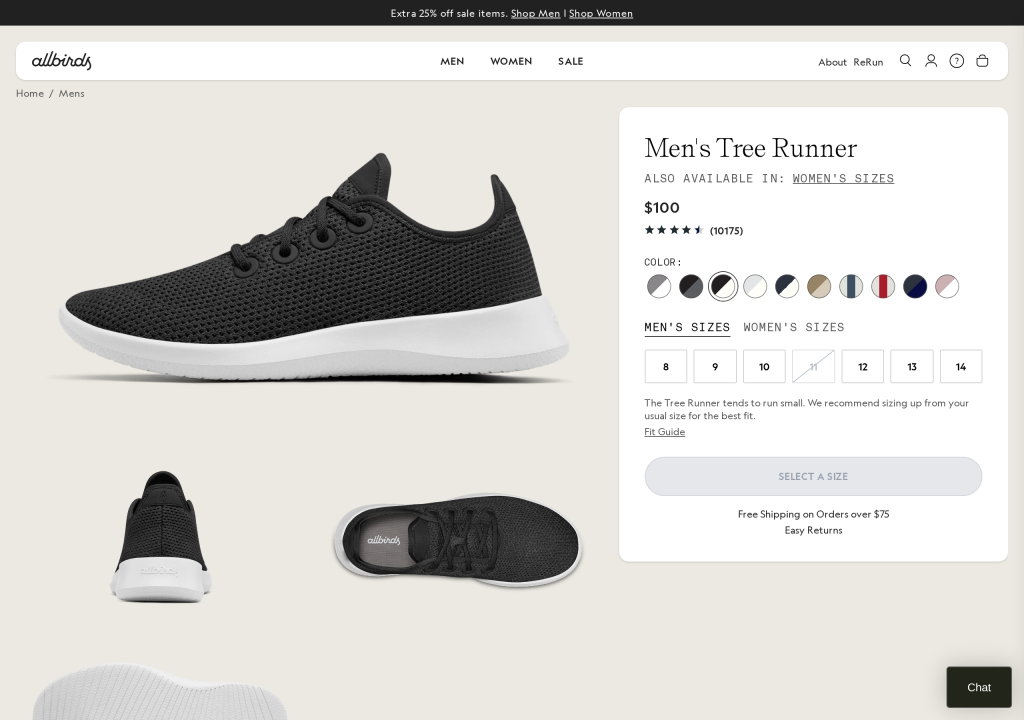
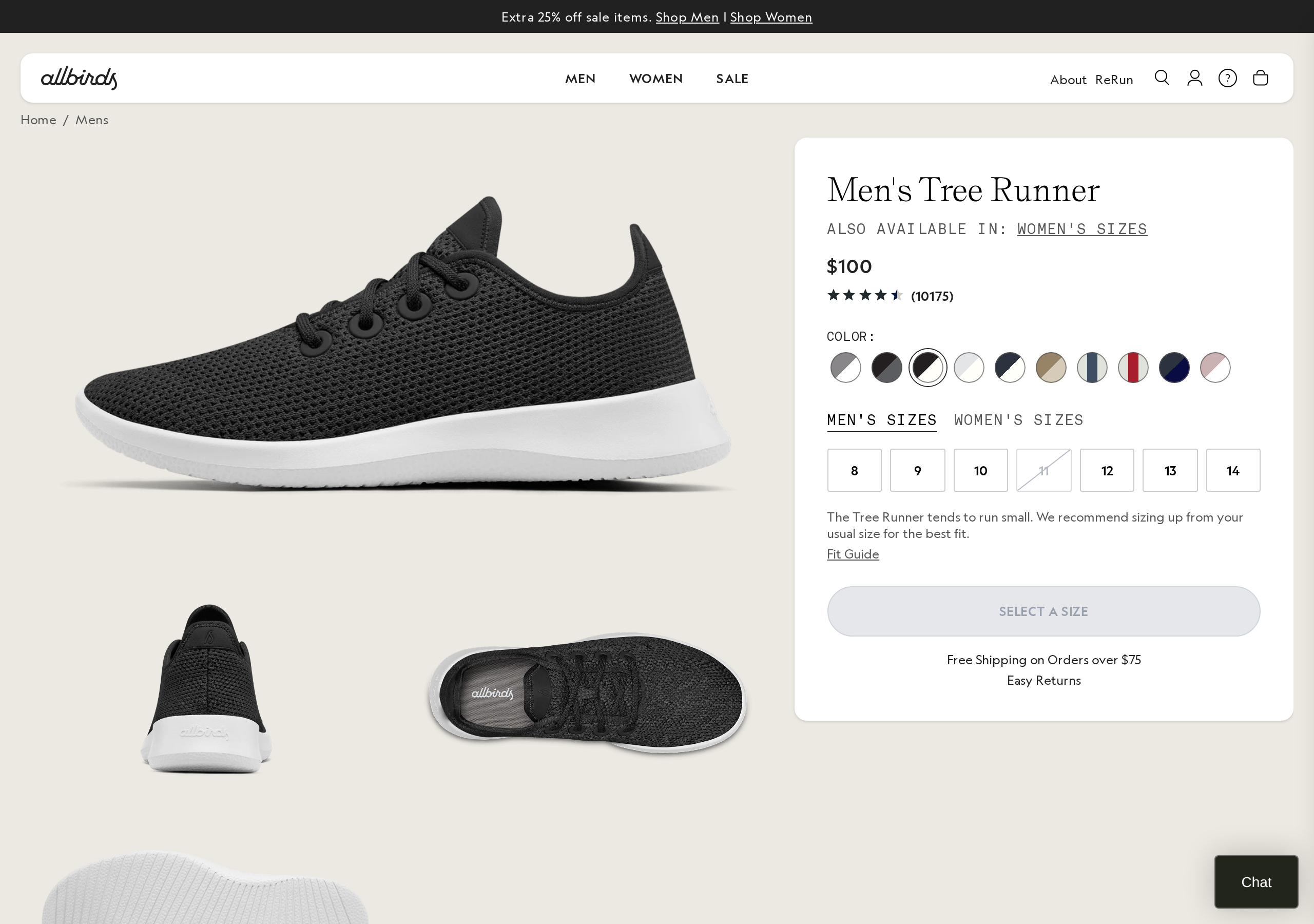
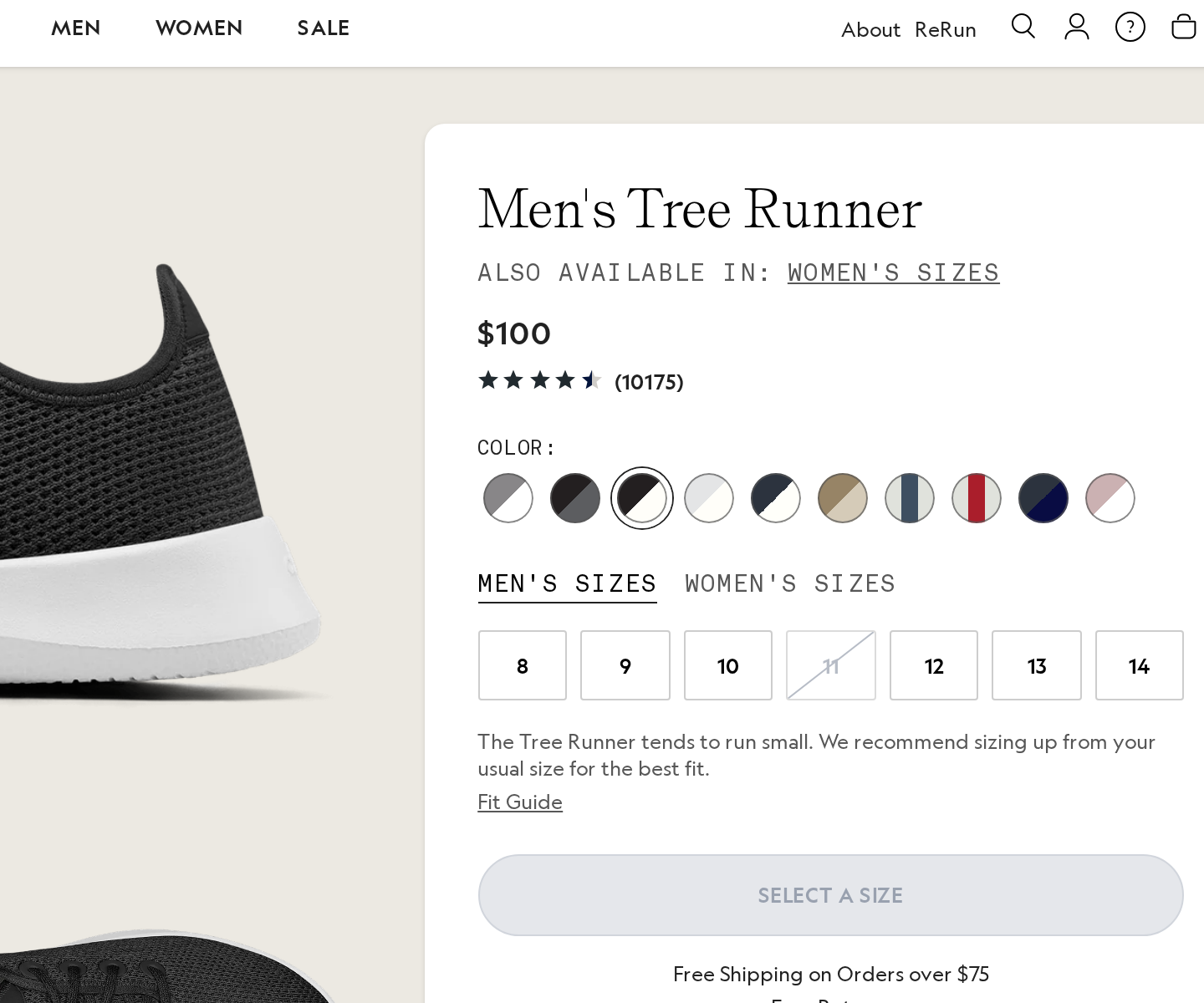
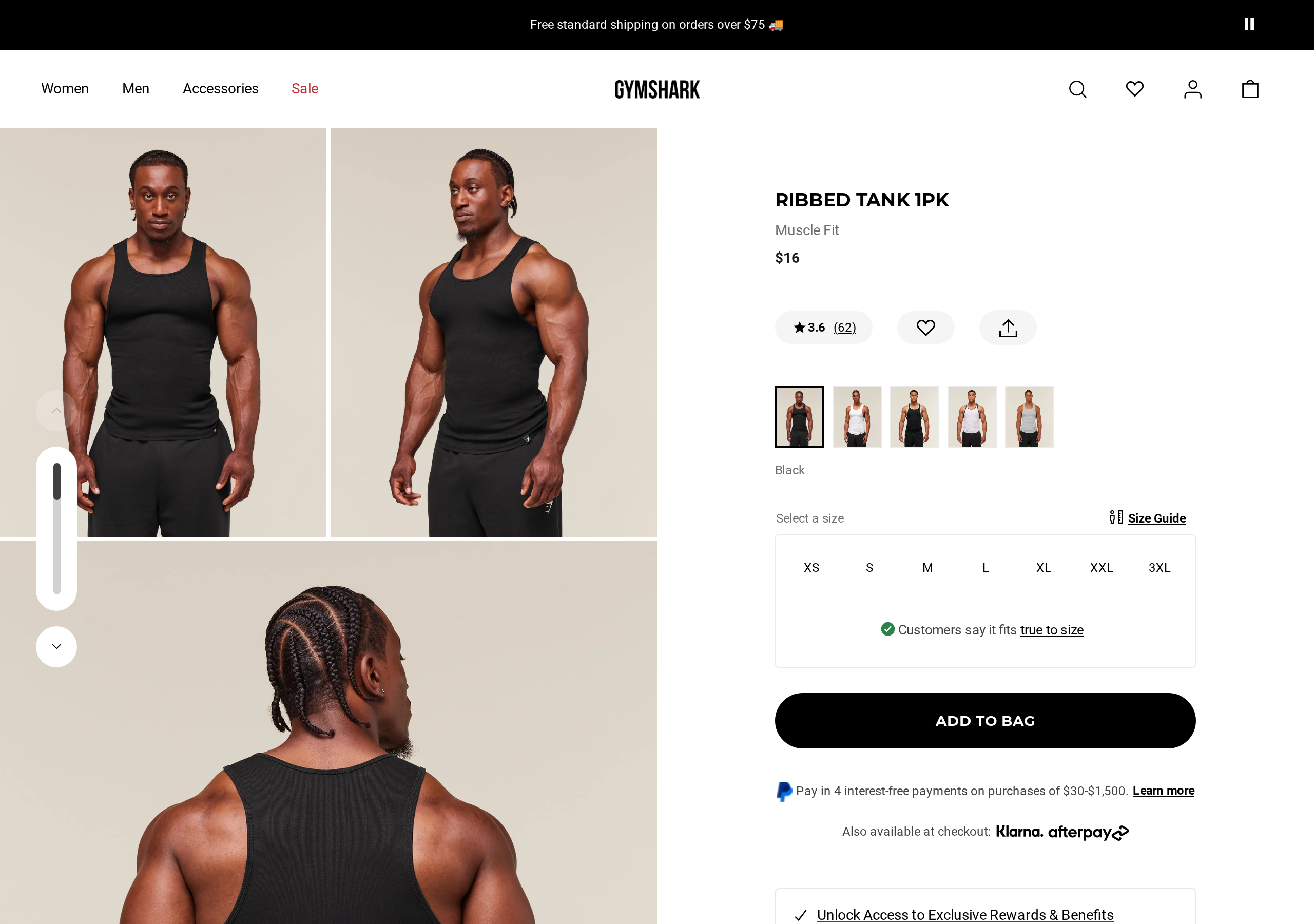
- Benefits listed before features
- At least 5 customer reviews visible without scrolling
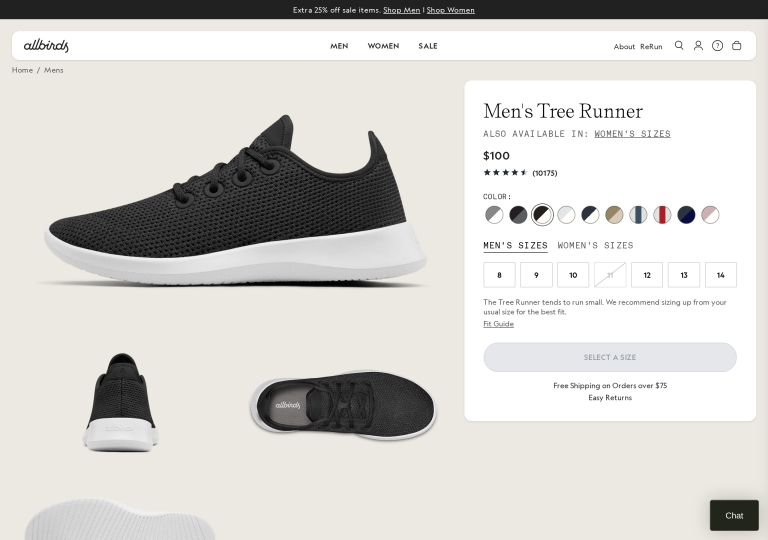
- Star rating displayed near the product title
- Clear guarantee or return policy within the product page itself
- High-quality images from at least 3 angles
- A lifestyle or “in use” photo
- Price is clear with no ambiguity
- Call to action button is visible without scrolling on both mobile and desktop
Reason 3: Hidden Costs at Checkout Are Killing 48% of Your Sales
According to Baymard Institute’s cart abandonment research, which aggregated data across 49 different studies, 48% of shoppers abandon their cart because of extra costs that appear at checkout. Shipping, taxes, and handling fees that were not visible earlier in the buying process are the single biggest reason people leave without buying.
This is not a small leak. This is nearly half your potential revenue walking out the door.
How to Calculate Your Free Shipping Threshold
If you cannot offer free shipping on all orders, set a strategic threshold:
- Find your Average Order Value (AOV) in Shopify Analytics or GA4
- Multiply by 1.1 to 1.3 (110% to 130%)
- Set that as your free shipping threshold
For example, if your AOV is , set free shipping at . This encourages shoppers to add one more item to qualify, increasing your AOV while removing the biggest conversion barrier. According to a National Retail Federation survey, 75% of consumers expect free shipping even on orders under .
The Fix
- Show shipping costs on the product page. A simple line like “Shipping: .99 flat rate” or “Free shipping over ” removes the surprise entirely.
- Build shipping into the product price. Raise your prices slightly and offer “free shipping” on everything.
- Add a free shipping progress bar to the cart page. Show something like “You’re away from free shipping!” This is one of the highest-impact, lowest-effort CRO changes we recommend.
Reason 4: Your Site Speed Is Costing You 7% Per Second
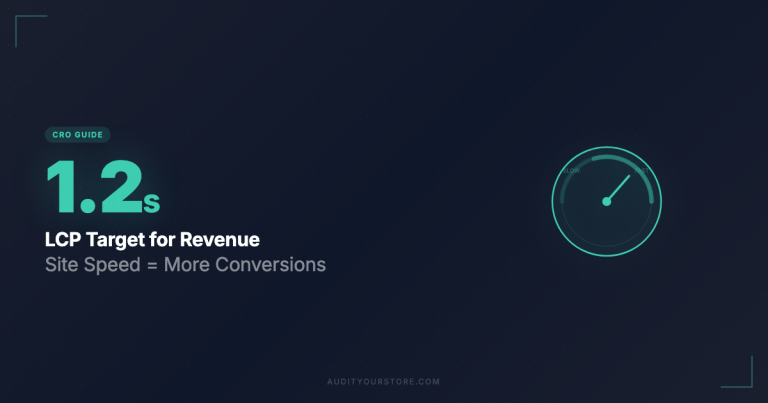
Page speed is not just a technical SEO metric. It directly impacts your conversion rate. Research from Portent (now Clearlink) found that ecommerce conversion rates drop by an average of 7% for every additional second of load time. A site that loads in 1 second converts at nearly 3x the rate of a site that loads in 5 seconds.
Here are the benchmarks we use in our audits:
- Under 2 seconds: Good. You are not losing significant sales to speed.
- 2 to 3 seconds: Acceptable, but worth improving. You are likely losing 7% to 14% of potential conversions.
- 3 to 4 seconds: Problem. This should be a high priority fix.
- Over 4 seconds: Emergency. You are likely losing 20% or more of your potential sales.
The Fix
- Compress and resize images. Use WebP format. No product image needs to be wider than 2048px.
- Remove unused apps and plugins. We routinely find stores with 15 to 20 installed apps where only 5 are actually being used.
- Minimize custom code and third-party scripts. Audit your theme scripts and remove anything you are not actively using.
- Consider your theme. Dawn (Shopify) and GeneratePress (WooCommerce) are consistently among the fastest options.
Reason 5: You’re Missing Trust Signals at the Point of Purchase
A study by CXL Institute found that placing trust badges near payment form fields increased conversions by 42%. Yet in our audits, we find that most stores either have zero trust signals near the checkout button, or they have them buried at the bottom of the page where no one sees them.
According to Baymard Institute’s checkout usability research, 19% of shoppers abandon their cart because they do not trust the site with their credit card information.
The Fix
Add these trust signals at or near the checkout button and payment fields:
- SSL/secure checkout badge. A simple padlock icon with “Secure Checkout” text.
- Money-back guarantee badge. Place it within 50 pixels of your “Complete Purchase” button.
- Review count or star rating. A line like “Rated 4.8/5 by 2,400+ customers.”
- Accepted payment method icons. Visa, Mastercard, PayPal, Apple Pay, Shop Pay.
- Real contact information. An email address, phone number, or live chat option visible during checkout.
The Quick Diagnostic Flowchart
If you are getting traffic but no sales, work through these steps in order:
Step 1: Check your traffic source breakdown in GA4. If more than 60% comes from social media, your first priority is diversifying toward search and email.
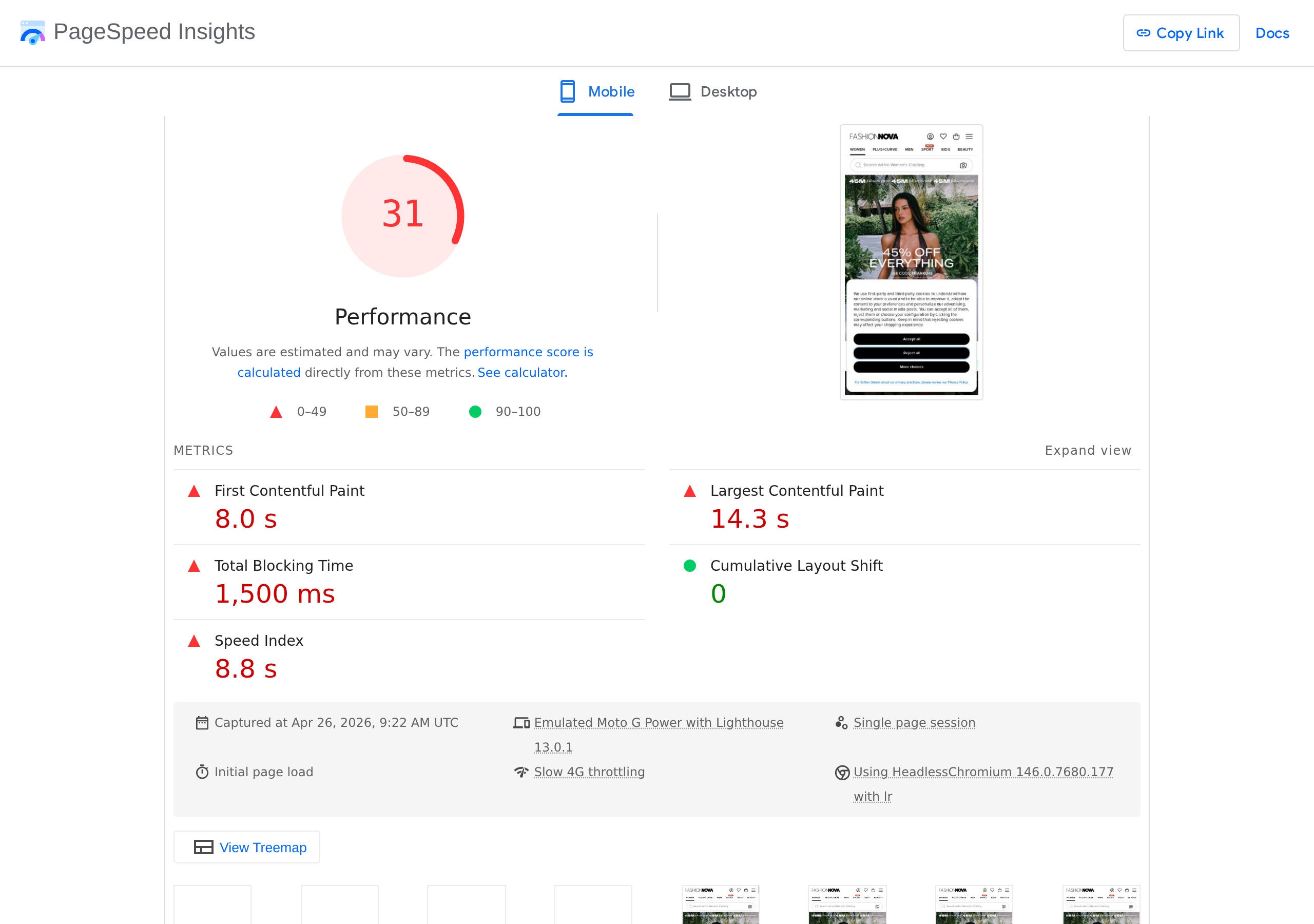
Step 2: Check your page speed score on Google PageSpeed Insights. If your mobile score is below 50, fix speed before anything else.
Step 3: Test your checkout as a first-time customer in an incognito browser window. Note every moment of friction or surprise.
Step 4: Count the trust signals on your product pages. If you count fewer than three, this is a high-priority fix.
Step 5: Run the full 276-point audit. Our 276-point CRO checklist covers every element of your store, from homepage to post-purchase email. It is the same framework we developed from auditing 298+ stores. Available for .
Frequently Asked Questions
What is a good ecommerce conversion rate?
The average ecommerce conversion rate is approximately 2.5% to 3%, according to IRP Commerce data. A rate above 3.5% puts you in the top 20% of stores. A rate above 5% is considered top-tier. If you are below 1%, there is almost certainly a significant issue with one of the five areas covered in this article.
How long until I see results from CRO changes?
Most changes start showing measurable impact within 2 to 4 weeks, assuming you have at least 500 to 1,000 sessions per week. Some changes, like fixing site speed or adding trust badges, can show results within days.
Should I spend more on ads or fix my conversion rate first?
Always fix your conversion rate first. If your store converts at 0.5% and you double your ad spend, you get twice the traffic at the same poor conversion rate. But if you fix your conversion rate to 2% first, every dollar you then spend on ads is 4x more effective. We have seen stores double their revenue without spending a single additional dollar on advertising.
Does this apply to Shopify, WooCommerce, and other platforms?
Yes. The five conversion killers are platform-agnostic. Traffic quality, product page persuasion, checkout friction, site speed, and trust signals affect every ecommerce platform equally.
What to Do Next
Before you spend another dollar on ads, work through the five areas in this article. Start with traffic quality because it is the most common root cause, then work your way through product pages, checkout costs, site speed, and trust signals.
Each fix on its own can lift your conversion rate. Combined, these five fixes routinely produce 40% to 100% increases in conversion rate across the stores we audit.
If you want to go beyond these five areas and audit your entire store systematically, our 276-point CRO checklist walks you through every element that affects conversions. It is the same framework we built from analyzing 298+ real ecommerce stores, distilled into a step-by-step checklist you can work through in an afternoon. Available for .
The stores that grow are not the ones with the most traffic. They are the ones that convert the traffic they already have.